Capture Anything.
Stream Everywhere.
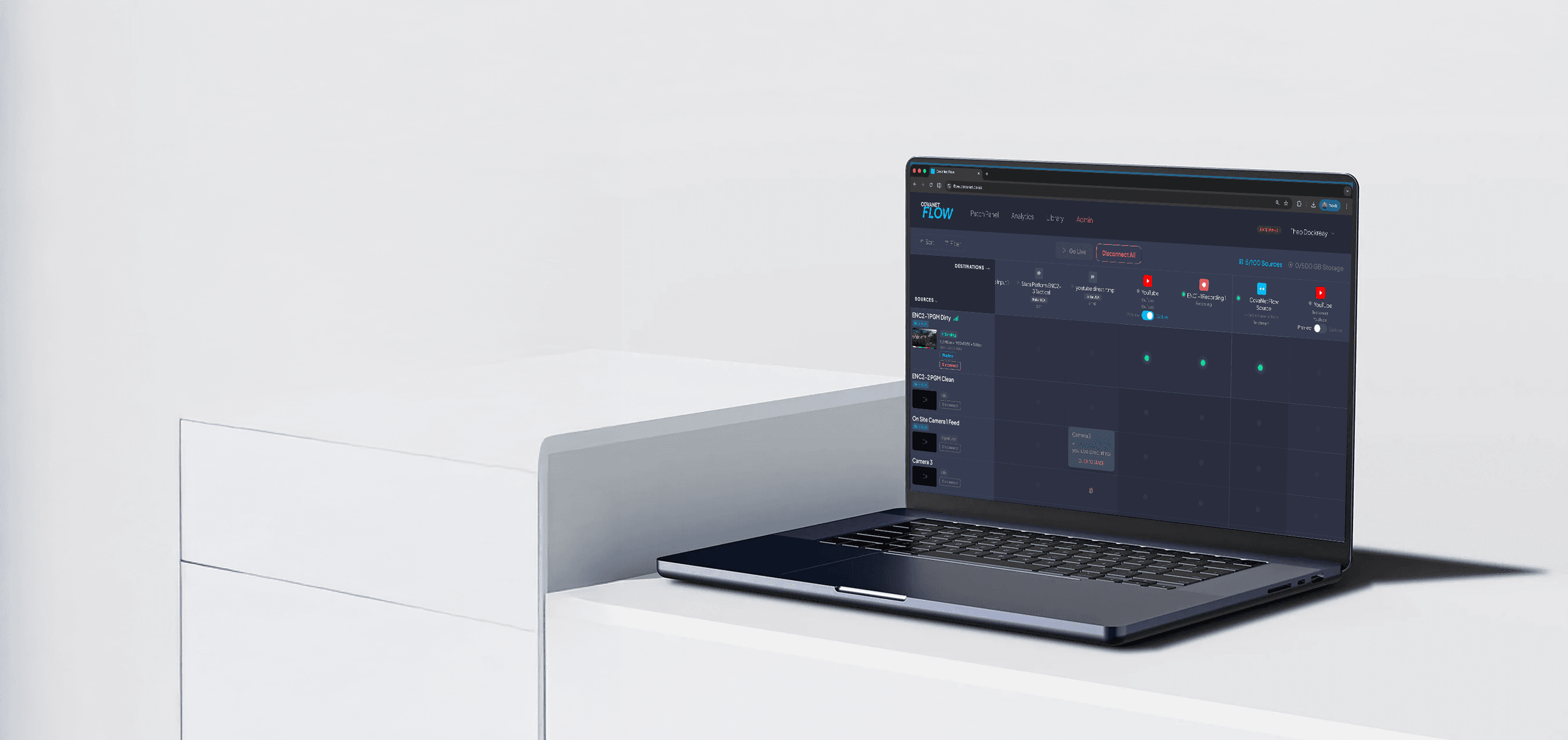
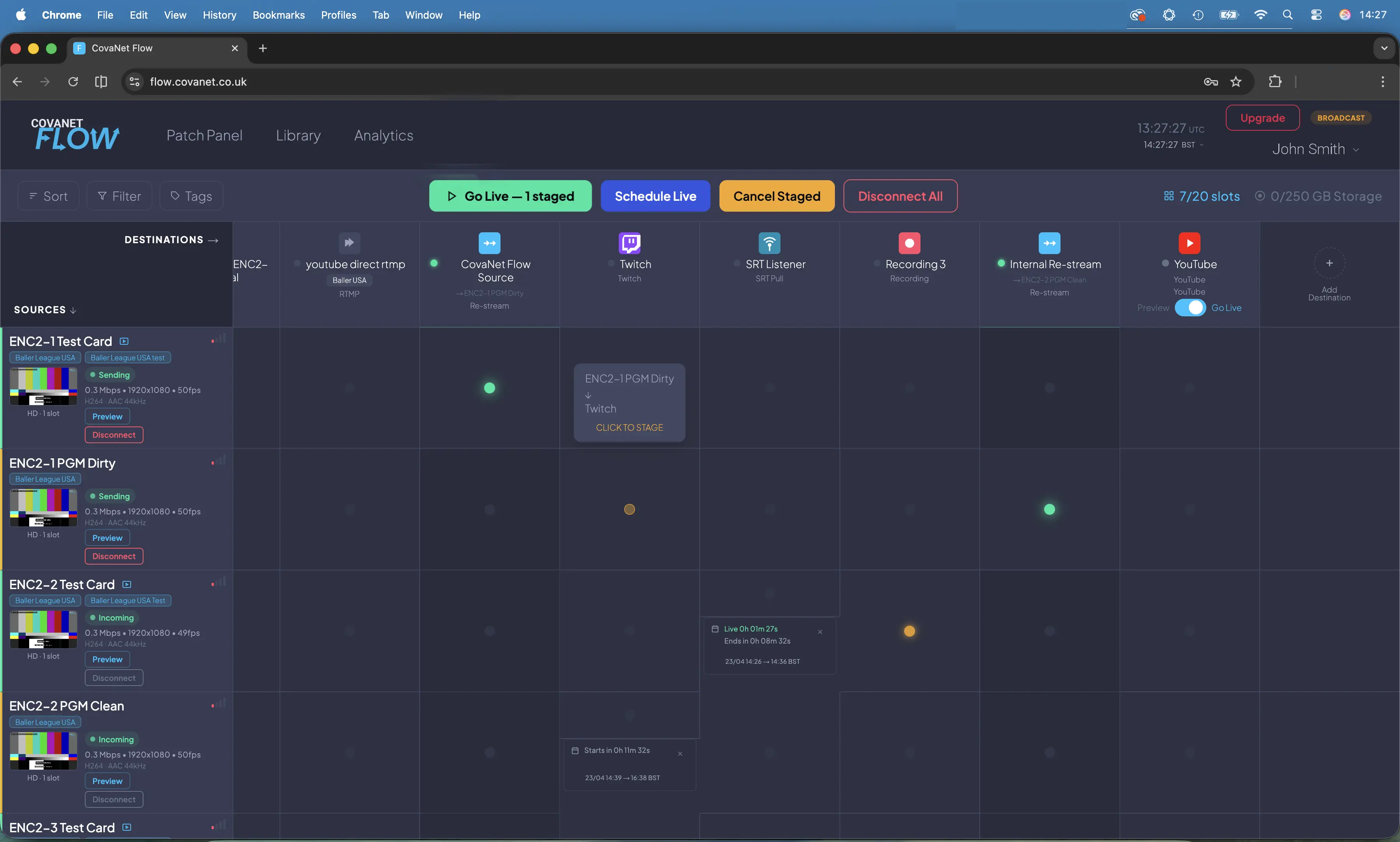
CovaNet Flow is a video patch panel in a browser. Connect sources to multiple destinations with a single click. Schedule pre-recorded video to go live across destinations. No hardware. No engineers.
Free plan available · No credit card required
Why CovaNet Flow
Broadcast infrastructure, ready to use.
Connect in seconds
Click a cell in the patch panel grid to route a source to a destination. No configuration files, no command lines, no waiting.
Simulcast everywhere
Send one incoming stream to multiple RTMP or SRT destinations at once — reach YouTube, Twitch, Facebook and any custom endpoint from a single source. One-click platform sign-in is coming soon.
Sky-Feed-Recording.mp4
Record everything
Record any incoming source directly to your dashboard. Keep recordings in the cloud, download at any time, or archive your streams automatically.
Schedule your streams
Set a date and time for your stream to go live automatically. Connect a source, pick your destinations, and let Flow handle the broadcast while you focus on the content.
Play out pre-recorded video
Upload a video to your library and schedule it to broadcast across your destinations at a set time. Perfect for replays, highlights, or planned content drops.
Organise by project
Tag sources and destinations by project, client or event. Filter your patch panel instantly to see only what matters for the show you’re running right now.
Up to 4K 60fps
Stream and record in up to 4K resolution at 60 frames per second. Whether you’re delivering broadcast-quality sports, high-end corporate production, or cinematic content, Flow handles the bitrate.
Any aspect ratio
Stream vertical, square, or landscape content without reformatting. Flow passes your signal through as-is — perfect for social-first content, multi-platform delivery, or mixing formats across destinations.
Works with your platforms
Point your encoder at Flow once and reach every platform your audience uses over RTMP or SRT. One-click integrations for YouTube, Twitch, Facebook, X, Instagram and LinkedIn are coming soon.
Use Cases
How people use CovaNet Flow
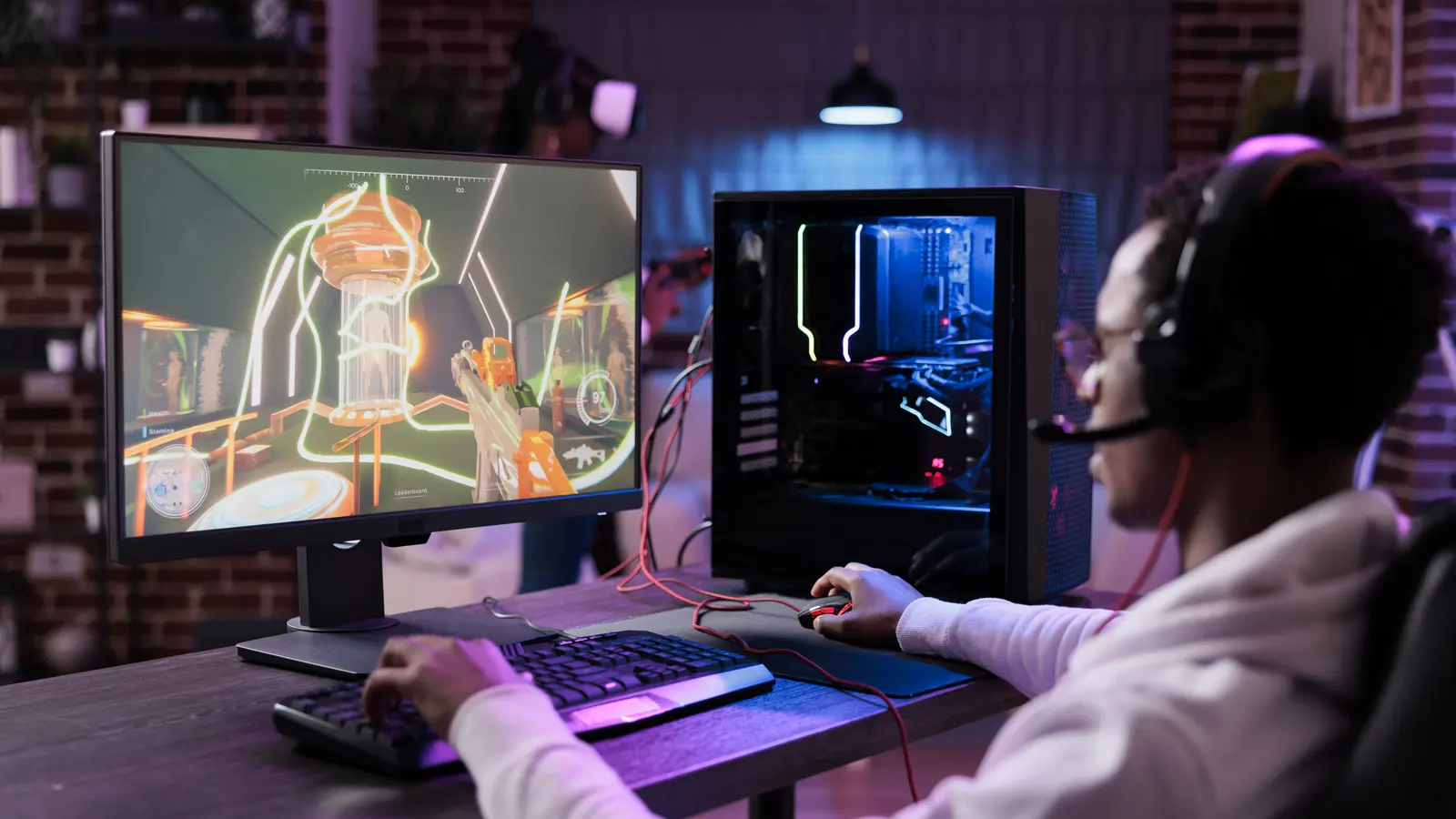
Streamer to everywhere
Whether you’re a bedroom streamer, gamer, travel blogger or influencer — if you create live content, Flow gets it everywhere. One encoder, one stream key, every platform your audience watches on.
Solo plan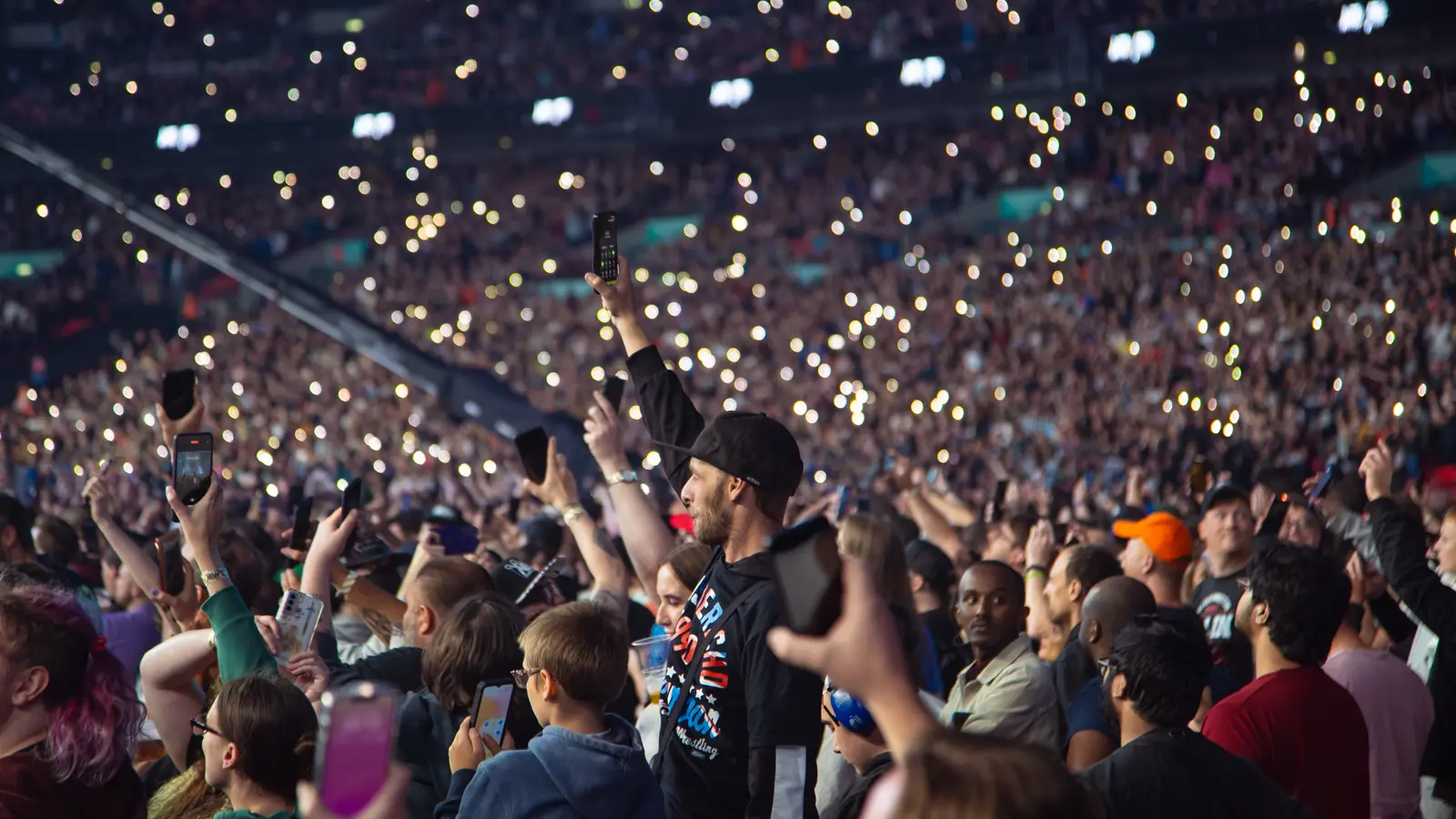
Multi-camera remote production
Send individual camera feeds to your director, programme output to the client, and recording copies to your archive — all from one cloud routing layer.
Creator — Pro plan
Corporate and event streaming
Deliver the same event feed to internal platforms, public channels and recording simultaneously. Brief your AV supplier in one sentence.
Pro — Studio plan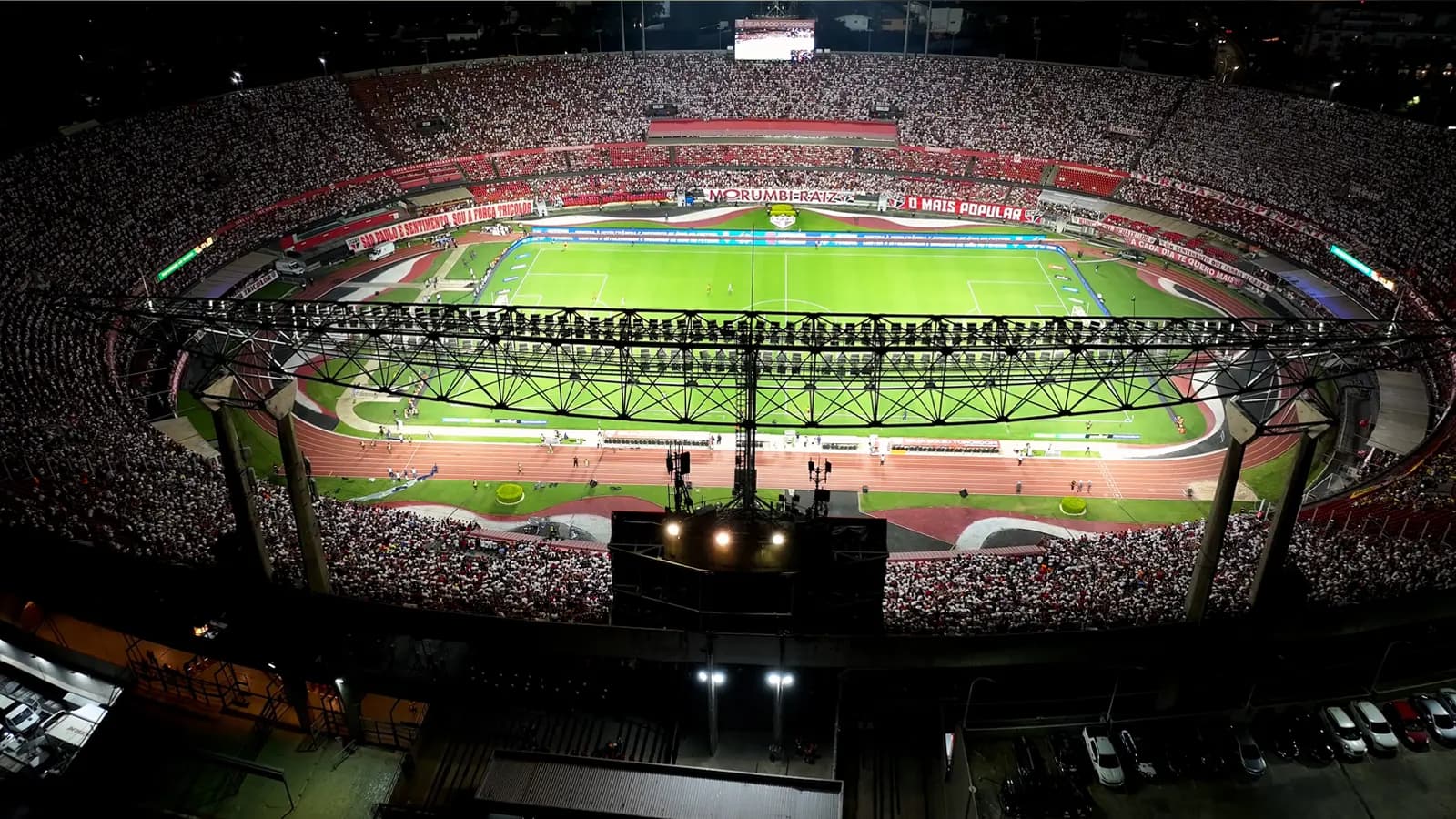
Live sports distribution
Route multiple encoder feeds to broadcast partners, streaming platforms and league archives. SRT ingest keeps contribution feeds stable even on challenging networks.
Studio — Broadcast planThe patch panel
The world's first cloud virtual patch panel
In broadcast, a patch panel is the central routing hub — every source connects through it to every destination. CovaNet Flow brings that same concept to the cloud. Your encoder is the source. Your streaming platforms are the destinations. Click a cell, make a connection, go live.
Broadcast Tools
Broadcast tools, built in
Test Card
A generated SMPTE-style test card in 1080p at 25, 30, 50 and 60fps. Write custom text onto the card to visually identify routes and destinations. Includes a 1kHz test tone and PIP marker for lip-sync testing. Essential for commissioning new routes, pre-event rehearsals, and verifying signal before going live.
Pro and aboveTest Video
Big Buck Bunny playback with broadcast scope overlays — vectorscope and colour bars on top, luma waveform on the bottom. Available in 1080p at 25, 30, 50 and 60fps. Real motion content for testing encoder behaviour, bitrate variation, and downstream tooling while the scope overlays verify signal quality through the pipeline.
Pro and aboveMaster Clock
A synchronised UTC master clock visible at the top of the interface with a user-selectable localised timezone shown beneath. Supports 25+ IANA timezones via dropdown. Essential for teams coordinating schedules across regions — everyone sees the same UTC reference while viewing their own local time for planning.
All plansOne platform for every broadcaster.
Just stream. Everywhere.
You point your encoder at Flow once — one stream key. From there you choose where it goes. Add an RTMP destination for Twitch, YouTube, TikTok — all of them at once. No switching stream keys, no running multiple encoders, no stress. Your audience is everywhere. Now you are too.
- →Simulcast to Twitch, YouTube and more over RTMP — one-click sign-in coming soon
- →Works with OBS out of the box — no setup headaches
- →Free to start, no credit card needed
- →Switch platforms without touching your encoder
Pro tools. Cloud simplicity.
You’re running multi-camera shoots, managing remote contributors, or delivering feeds to clients who all want their own copy. Flow gives you a single cloud routing layer to distribute everything for your project easily and without hours of technical setup.
- →Route multiple cameras to multiple destinations independently
- →Send programme feeds to clients, platforms and archives simultaneously
- →Record clean copies of every source for post-production
- →Explain it in one sentence: it’s a patch panel in a browser
Reliable. Scalable. Familiar.
You know what a patch panel is. You’ve probably tripped over the cables. Flow is the same concept, cloud-hosted, with SRT ingest, multi-source routing, and enough outputs to run a full broadcast operation. Your crew will learn it in five minutes.
- →SRT and RTMP ingest for contribution feeds
- →Route up to 20 sources with 6 outputs each — 120 concurrent streams
- →UK and European infrastructure with low latency
- →Priority support — team accounts with multi-seat access coming soon
- →No retraining — if your team can route a patch bay they can use Flow
Pricing
Start free. Scale as you grow.
All plans are measured in source slots. HD sources use 1 slot. 2K sources use 2 slots. 4K sources use 4 slots.
| Free | Solo | Creator | Pro | Studio | Broadcast | |
|---|---|---|---|---|---|---|
| Start free | Get started | Get started | Get started | Get started | Get started | |
| Monthly price | £0 | £19 | £39 | £79 | £149 | £299 |
| Source slots* | 1 | 1 | 3 | 5 | 10 | 20 |
| Simulcast per source | 0 | 3 | 4 | 5 | 6 | 6 |
| Recording storage | — | 10 GB | 25 GB | 50 GB | 100 GB | 250 GB |
| Maximum stream length | — | 6 hours | 8 hours | 12 hours | 18 hours | 24 hours |
| Analytics history | — | 30 days | 60 days | 90 days | 12 months | 12 months + CSV |
| Persistent stream keys | — | ✓ | ✓ | ✓ | ✓ | ✓ |
| Saved Destinations | — | — | ✓ | ✓ | ✓ | ✓ |
| Scheduled Streams | — | — | — | ✓ | ✓ | ✓ |
| Test card with custom text | — | — | — | ✓ | ✓ | ✓ |
| Test video with scopes | — | — | — | ✓ | ✓ | ✓ |
| Total concurrent streams | 0 | 3 | 12 | 25 | 60 | 120 |
| Support | Community | Priority | Priority |
*HD (1080p and below) = 1 slot · 2K (1440p) = 2 slots · 4K (2160p) = 4 slots. Example: a Broadcast plan with 20 slots can run 20 HD sources, 10 2K sources, 5 4K sources, or any combination.
All paid plans include unlimited destinations. Pay annually and get two months free.
Team accounts with multi-seat access are coming soon to Broadcast (3 seats included, more available) and Enterprise.
Enterprise
Need more than 20 sources?
Get in touch to discuss unlimited sources, dedicated infrastructure, custom SLAs and volume pricing. Team accounts with custom multi-seat access are coming soon.
FAQ